
Download 2fast – Two Factor Authenticator – two factor authenticator, 2fa, 2fa app, 2fa tool, authenticator app, secure authentication, TOTP, Google Authenticator alternative, open-source 2fa, local authentication
Overview
2fast – Two Factor Authenticator is a security-focused mobile application designed to enhance account protection through two-factor authentication (2FA). Built with a strong emphasis on privacy and data integrity, the app generates TOTP (Time-Based One-Time Password) codes for a wide range of online services, including Google, Microsoft, Facebook, and PayPal. By relying on local storage and encryption, 2fast ensures that sensitive authentication data remains under user control and is not transmitted to external servers. This makes it a compelling alternative to cloud-dependent authenticator apps, particularly for users concerned about data privacy and third-party access.
The app targets individuals seeking a secure, reliable, and transparent method to manage their 2FA credentials across multiple platforms. It is especially beneficial for privacy-conscious users, tech-savvy individuals, and professionals managing multiple online accounts. The open-source nature of the application allows developers and security experts to audit the code, fostering trust and encouraging community-driven improvements. Real-world use cases include securing personal email accounts, financial platforms, and enterprise systems where data confidentiality is critical.
As part of the broader security ecosystem, 2fast fills a niche for lightweight, self-hosted 2FA tools that do not compromise on functionality. The developer, 2fast, has positioned the app as a privacy-first solution, aligning with growing demand for tools that minimize reliance on centralized services. Although the developer did not provide additional technical details about the development team, the project’s transparency and cross-platform availability underscore a commitment to accessibility and user autonomy.
Key Features & Functionality
- Secure Data Storage: All user data is stored in a single encrypted file using AES encryption with a password-based key derived via PBKDF2. This ensures that even if the file is accessed, it remains unreadable without the correct password.
- Local Operation: The app functions entirely offline, requiring no internet connection or external accounts for core 2FA functionality. This eliminates risks associated with cloud-based data exposure.
- Cross-Platform Availability: Currently available on Windows 10, with development underway for Android, iOS, Linux, and macOS. The use of the Uno platform enables consistent user experiences across different operating systems.
- Open-Source Transparency: The codebase is publicly accessible, allowing users to verify security claims, report vulnerabilities, and contribute to future updates.
- Full TOTP Compatibility: Adheres to RFC 6238, ensuring compatibility with major services that support TOTP-based 2FA, including Google, Microsoft, Facebook, and PayPal.
- Encrypted Data Sharing: Offers a secure method to share 2FA credentials via encrypted files, enabling users to transfer their data safely between devices.
- Backup and Restore: Users can easily back up their encrypted data file and restore it on another device, ensuring continuity in case of device loss or replacement.
For example, a user managing multiple work and personal accounts can use 2fast to generate unique TOTP codes without relying on cloud sync. When switching devices, they can restore their credentials using the encrypted file, maintaining security throughout. Similarly, teams or individuals requiring secure sharing of login details can use the encrypted sharing feature without exposing data to third-party servers.
Interface, UX & Performance
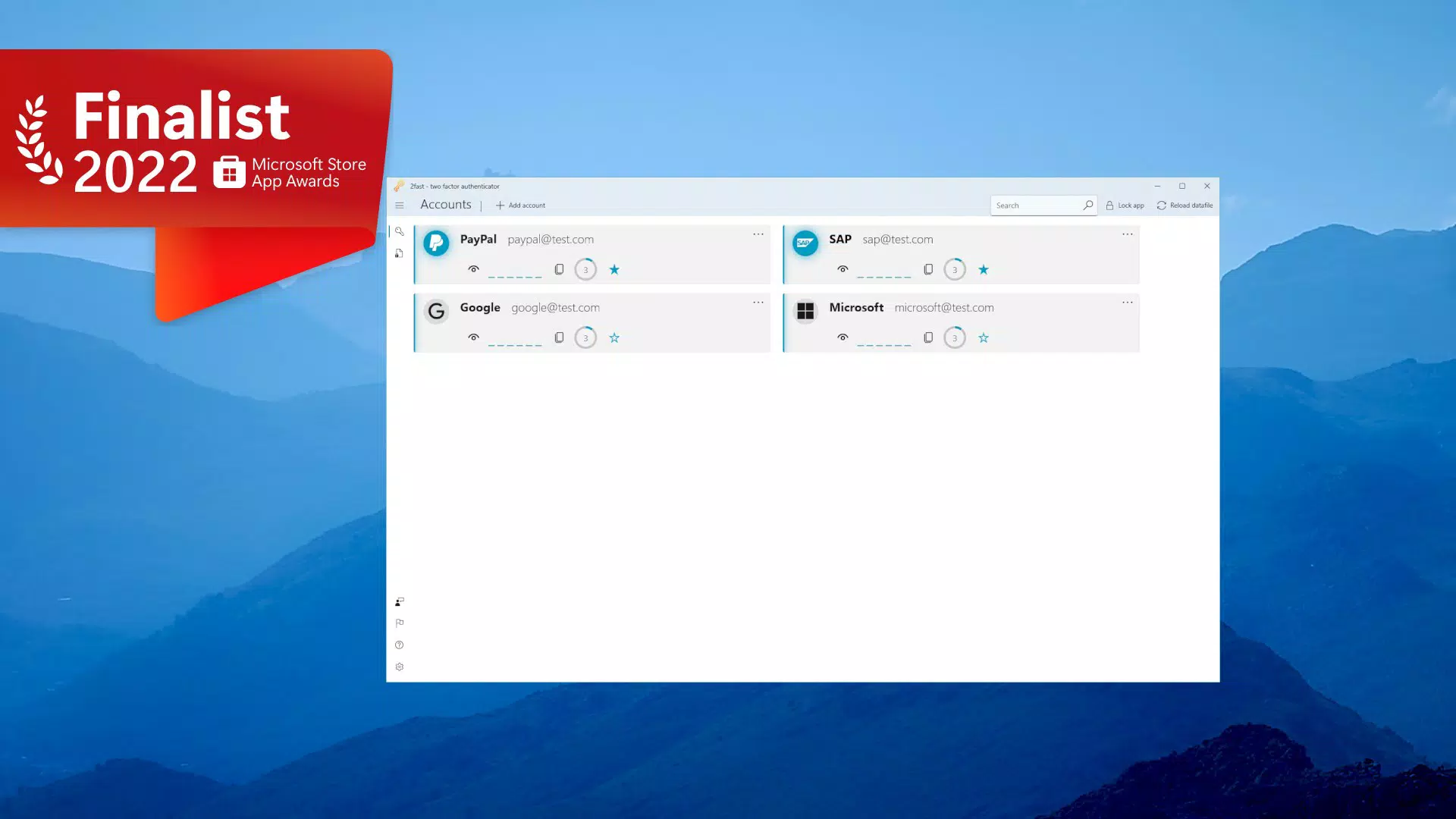
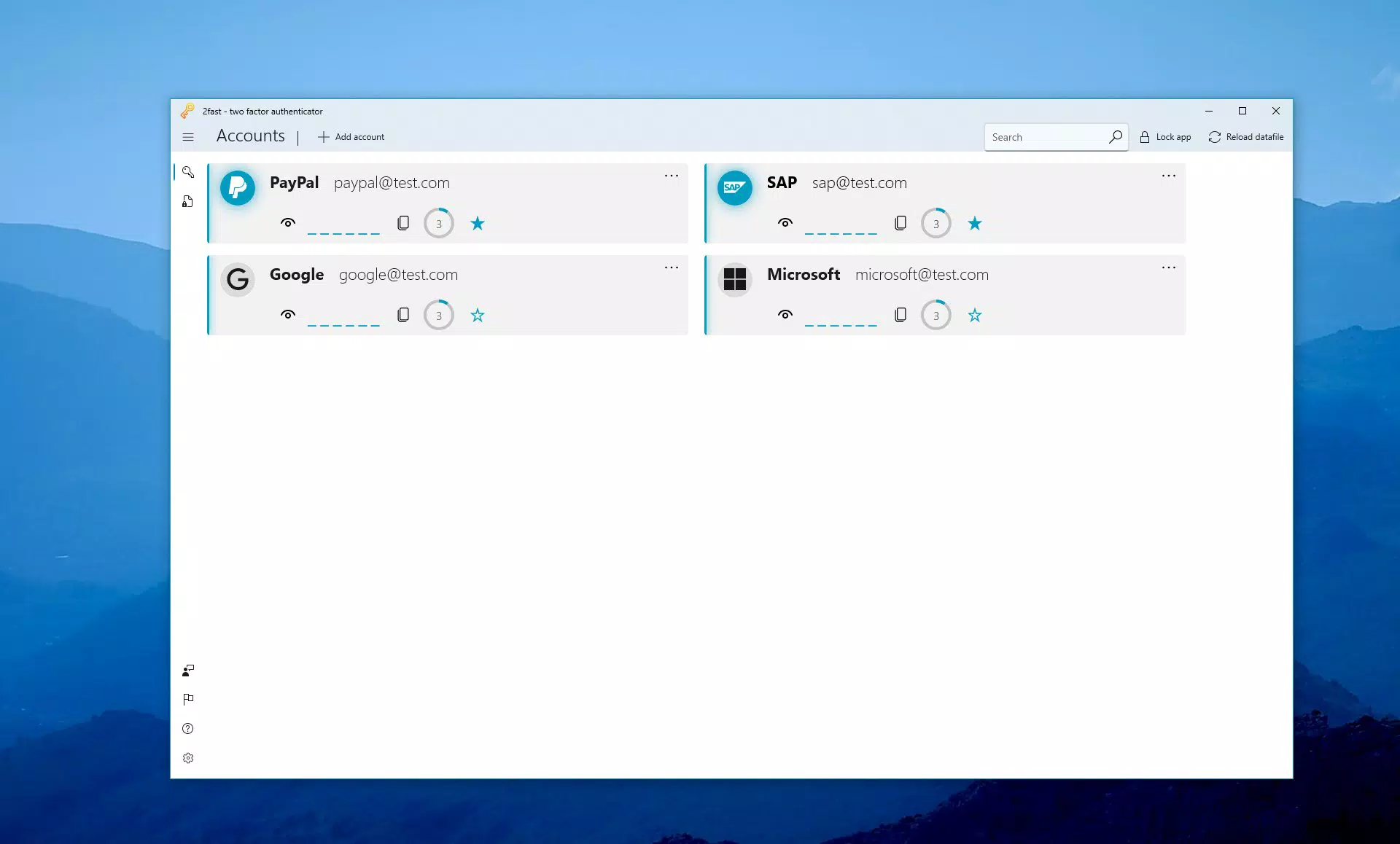
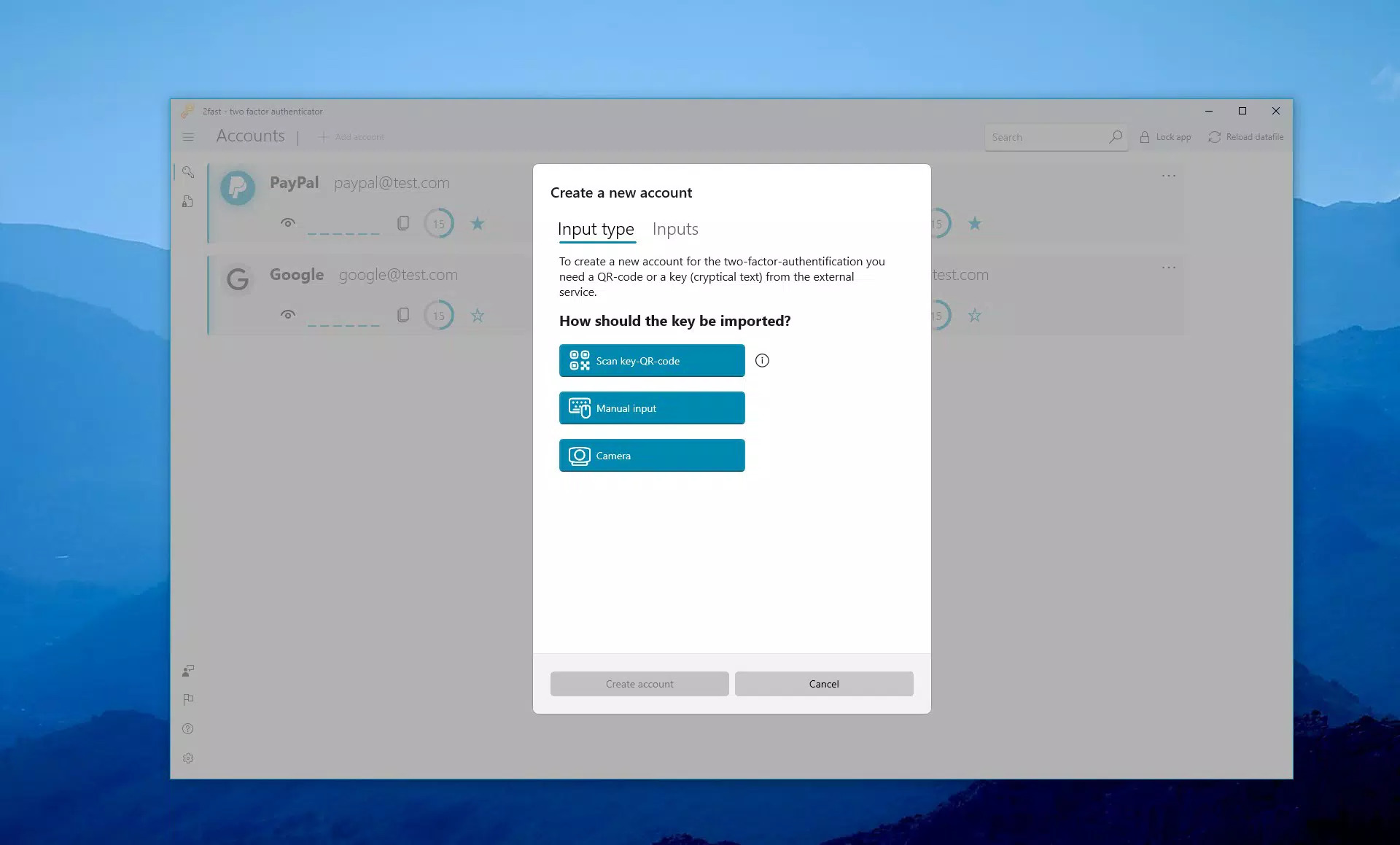
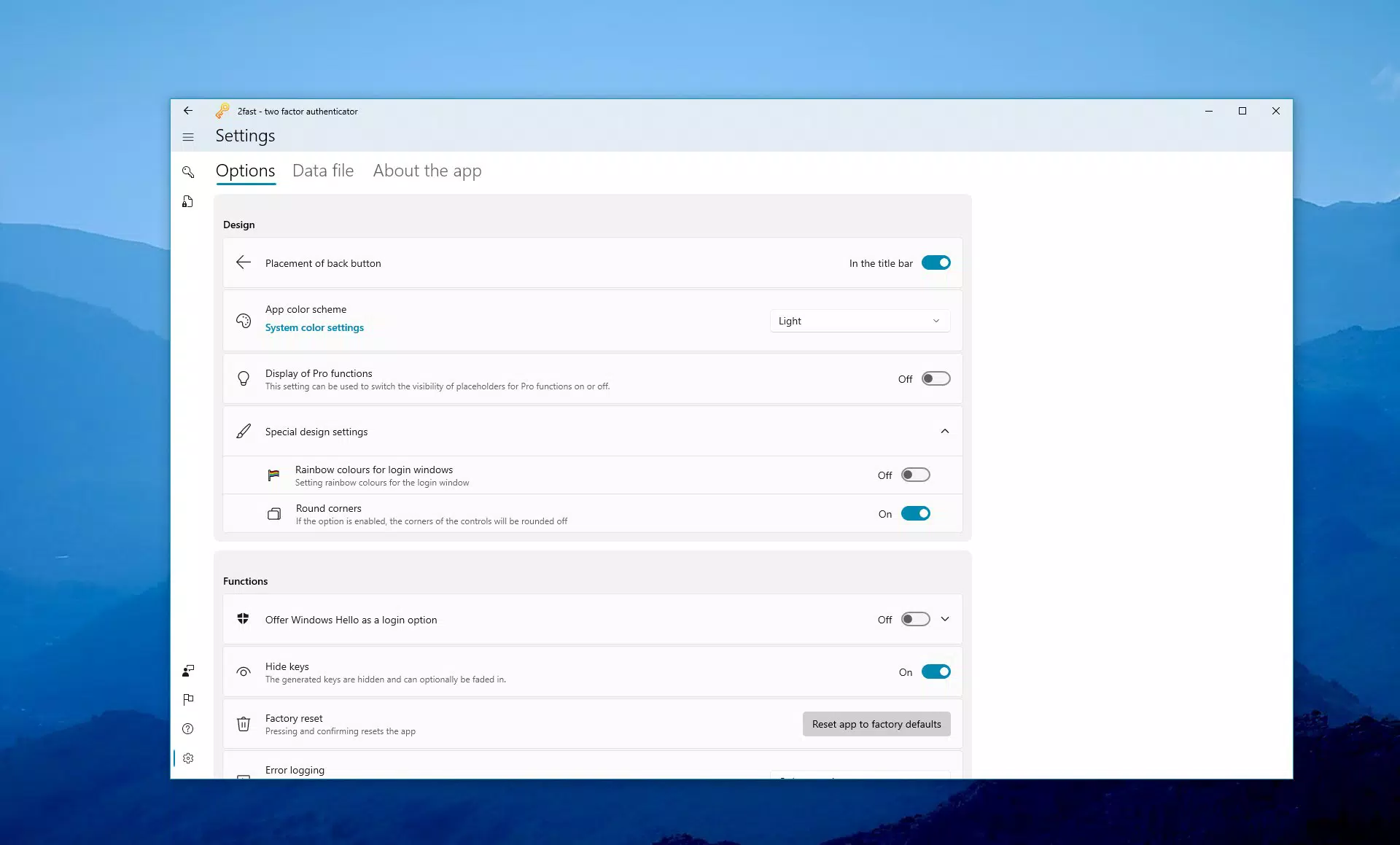
The user interface of 2fast is designed with simplicity and security in mind. The layout prioritizes clarity, displaying active TOTP codes in a clean, readable format with real-time countdowns. Navigation is intuitive, allowing users to quickly access their accounts, add new entries, or manage settings. Visual style remains minimalistic, focusing on functionality over decorative elements, which supports faster mental processing and reduces distraction.
Although the developer did not list formal performance metrics, the app operates smoothly on supported platforms, with responsive interactions and minimal lag during code generation and navigation. Stability appears consistent, particularly given its local-first architecture. The app does not rely on background processes that could drain battery or consume data, contributing to efficient performance across different device categories.
Responsiveness is maintained even when handling multiple accounts, suggesting effective memory management. The lack of internet dependency further enhances reliability in low-connectivity environments. While the app is still under development for mobile platforms, early feedback from Windows users indicates a stable and user-friendly experience. The developer did not specify minimum OS requirements or performance benchmarks, but the app’s lightweight file size (45.8 MB) suggests efficient resource usage.
Platform Compatibility & Technical Requirements
2fast – Two Factor Authenticator is available on multiple platforms, including Windows 10, Android, iOS, Linux, and macOS. The current version is 1.3.0, with a file size of 45.8 MB. The app is offered at no cost, making it accessible to a broad user base.
Specific requirements for each platform were not listed. The developer did not specify minimum OS versions or hardware specifications. Compatibility information was not fully disclosed. However, the use of the Uno platform suggests a unified codebase designed for cross-platform consistency. Users should ensure their device supports the latest version of the operating system to avoid potential issues.
Pros and Cons
Pros
- Strong emphasis on local data storage and encryption for enhanced privacy.
- Open-source code enables transparency and community trust.
- Full compatibility with major TOTP-based services.
- Supports secure backup and restoration via encrypted files.
- Free to download and use, with no in-app purchases or ads.
- Cross-platform availability ensures flexibility across devices.
Cons
- Some platform versions are still under development, limiting immediate access.
- No official documentation or tutorial guides were provided.
- Manual backup and restore process requires user diligence.
- Limited user support channels due to the open-source nature.
- No built-in password manager or autofill integration.
FAQ
Is 2fast safe to use?
Yes, 2fast uses AES encryption with PBKDF2 key derivation to secure user data locally. Since all data is stored in a single encrypted file, it remains private and inaccessible without the correct password.
Can I use 2fast on my Android or iOS device?
2fast is currently available for Windows 10. Development is ongoing for Android, iOS, Linux, and macOS, but these versions are not yet released. Users should check the official website for updates.
Does 2fast require an internet connection?
For core functionality, 2fast operates entirely offline. An internet connection is only needed if users choose to use the WebDAV feature for file synchronization.
Is 2fast free to download?
Yes, 2fast is available at no cost. There are no in-app purchases, ads, or premium features.
Can I restore my 2FA data on another device?
Yes, users can back up their encrypted data file and restore it on another device, ensuring continuity of access to their accounts.
Final Thoughts
2fast – Two Factor Authenticator stands out as a privacy-first solution for users seeking a secure, open-source alternative to mainstream 2FA apps. Its local storage model, robust encryption, and cross-platform ambitions make it a strong contender in the security tool space. While some platform versions are still in development, the existing Windows version delivers a reliable and intuitive experience.
Individuals who prioritize data ownership, transparency, and offline functionality will find significant value in 2fast. The app is ideal for anyone managing multiple online accounts who wants to avoid cloud dependency and third-party tracking. With its free model and strong security foundation, 2fast offers a compelling balance of safety, simplicity, and accessibility.
Download 2fast now


